The yard changed.Find out before the customer calls someone else.

Fleet Sales Leads reads your territory from a monthly pass and writes up what moved: a machine that hasn't, a different-looking machine on the lot, a cleared pad. You get a ranked call sheet with coordinates.

GSD
≤0.3 m (VHR)
Cadence
Monthly
Platform
VHR satellite / aerial
Spectral
RGB

Lead sheetranked

  1. 1New padAccount 07, east yardPass 03/14
  2. 2Different-looking machineAccount 22, main yardPass 03/14
  3. 3Idle machineAccount 15, shop yardPass 03/14
Illustration. Made-up accounts, set out the way a line on the sheet reads.

The job today

What the territory looks like from the cab

Most reps work the list the same way. Monday morning there is a call sheet, built from the CRM and whatever the rep remembers: who bought last, who went quiet, who said call me in the spring. Route day is for the yards that are worth the drive. The rest get a phone call, and the call opens with "just checking in."

The trouble is what the list can't tell you. A customer parks a machine and it sits. A machine you don't recognise shows up on the lot, one unit and then another. A new pad gets graded behind the shop. None of that reaches the CRM, because nobody typed it in, and the rep can't drive past every yard every month. So the change gets noticed late, usually when a quote request goes to another dealer or the customer mentions, in passing, that the new machines came in last week.

It is a small loss each time, spread over a whole territory, and nobody tracks it. Fleet Sales Leads puts a dated line on the sheet when a yard changes, so the call has a reason in it.
What you get

What lands on your desk

  1. 2.1Monthly lead sheetCSV

    One line per event, ranked, with the account and yard, what changed, and the date of the pass that showed it. It comes once a month, ahead of your route day, and loads into a spreadsheet or a CRM import.

  2. 2.2Coordinates on every leadLatitude / longitude

    Each line carries the yard's coordinates, so you drop a pin and go. No guessing which gate.

  3. 2.3The reason for the rankEvent type

    Every line names its event type (an idle machine, a different-looking machine arriving, a new pad) and how recent it is. The rank follows those two things and you can read both on the line. There is no hidden score.

  4. 2.4Gaps notedSheet note

    If a yard was under cloud that month or the pass missed it, the sheet says so and leaves it out. It never fills the line in.

How it works

  1. 3.1Territory in

    You send the account list, with yard locations or a boundary to work inside.

  2. 3.2Imagery

    A monthly very-high-resolution pass over those yards, satellite or aerial.

  3. 3.3Analysis

    Each yard is compared with its last pass. What changed is sorted into three event types: a machine that hasn't moved, a machine of a different make or class on the lot, and ground cleared for expansion.

  4. 3.4Delivery

    The ranked sheet comes back ahead of your route day. You decide who gets a call and who gets a visit.

Where it fits in your workflow

Before you plan your route

Use the sheet on Monday morning alongside the call sheet you already have. The top lines give you a reason to call that is about the customer's yard and not about you. Yards with no change stay where they are in the CRM.

It doesn't replace the account notes you keep. You still know the customer's history, who buys, and who signs. The sheet adds the thing you couldn't see from the cab.

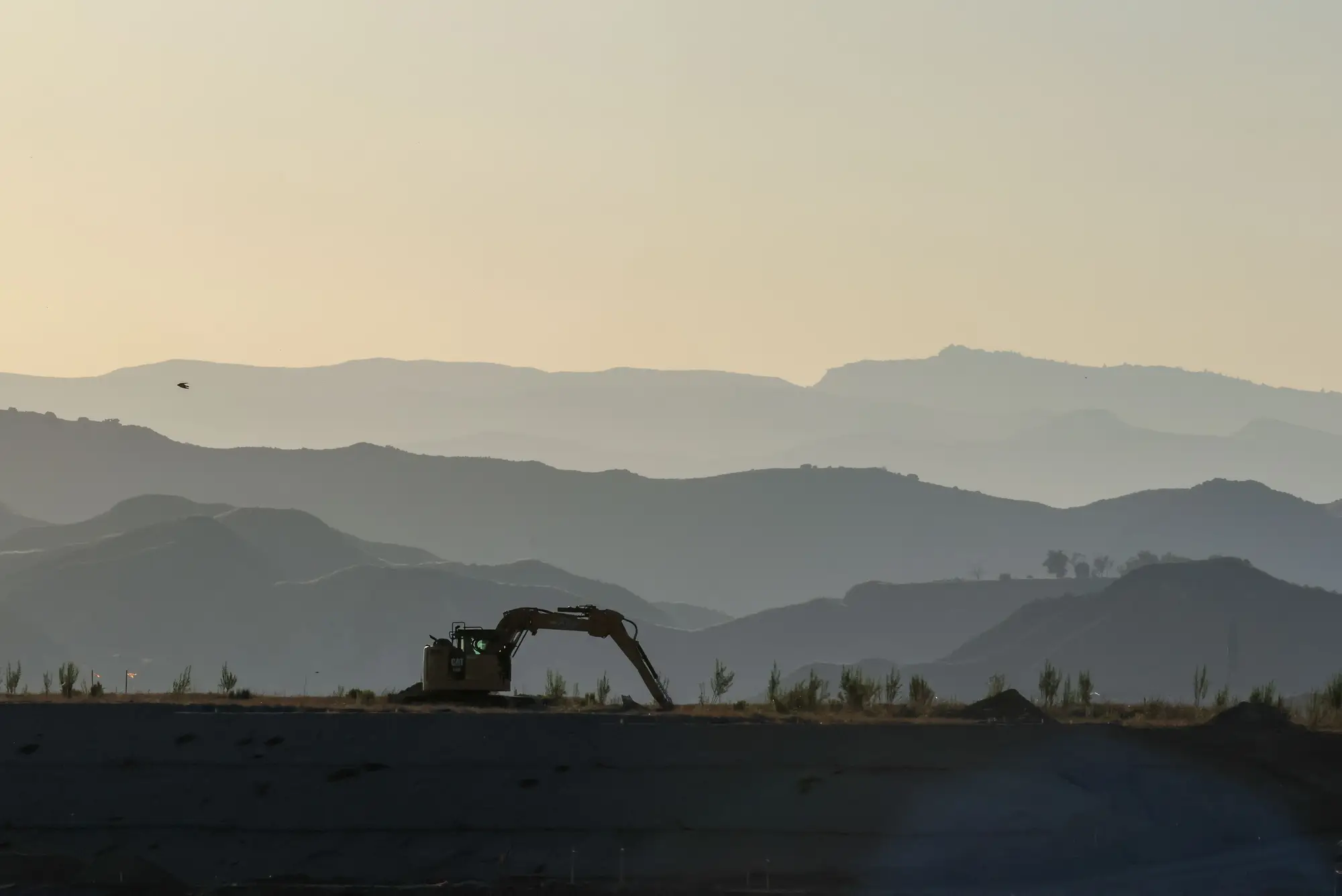
An excavator parked on a graded ridge at dusk, hills fading behind it
A machine parked on a ridge at dusk, seen from the road.

Limits

  1. 1A line is a change signal

    A line means a machine, a lot or a pad looks different from last month. It says nothing about whether the customer wants to buy, or from whom.

  2. 2Resolution

    At 0.3 m a machine shows as a footprint of a few pixels to a few dozen, enough to count units and tell a large machine from a pickup. It is not enough to read a nameplate, a model number or a serial number. Machine age can't be read from imagery at all, so age comes from your own records.

  3. 3Make and color

    A different-looking machine can be flagged by class and color. Naming the manufacturer from above isn't reliable, so a competitor line is an invitation to go and look.

  4. 4Cloud and gaps

    Optical imagery needs a clear sky. A cloudy month can leave a yard out, and the sheet will list it as a gap.

  5. 5Monthly

    One pass a month is a target, not a promise, and nothing between passes shows up.

  6. 6No owner, no contact

    The sheet says where and what. It doesn't name who owns the equipment or who to call. That lookup is yours.

  7. 7Early access

    This is not a shipped product. Early access means we build the first sheets with a small number of territories.

Who it's for

For

  • OEM and dealer outside sales reps who work a defined list of accounts and yards.
  • Sales managers who plan route days and run the pipeline review.

Not for

  • Reps looking for a finished list of buyers or qualified prospects.
  • Teams that need the owner's name, a phone number or a contact.
  • Reps with no defined territory, or fleets with no fixed yard.
  • Teams that have to hit a guaranteed lead volume.

FAQ

Questions before early access

Is a lead a confirmed sale?

No. It is a change worth a call. The customer has not told us they plan to buy.

What if the yard is under cloud that month?

The pass can slip to the next window. The sheet lists the yard as a gap and doesn't guess.

Does it know who owns the site?

It knows the location and what changed. Ownership lookup and contacts stay on your side.

How is the rank decided?

By event type and by how recent the change is. Both show on the line.

Can it tell the make of a machine?

Not from above, and not reliably. It can flag a machine that looks different from what was there, by class and color. Whether that is a competitor is for you to go and see.

Can it replace my CRM?

No. It produces a sheet, and you bring the lines into whatever you already run.

How do we check a sheet against what we know?

Pick a few yards where you already know what changed and compare those lines with your own notes. That tells you whether the sheet would have found what you found.

How is early access priced?

We don't publish a price. Tell us your territory and we will come back with terms.

Who owns the sheet and the imagery?

Terms for the sheet and the imagery go in the early access agreement, written before anything is ordered.

Get your first lead sheet.

Tell us your territory and how many yards are on the list. We will tell you whether a monthly pass can cover it.

Request early access